
Simplify Teltonika Tracker Setup with the GpsGate Teltonika Mapper
Connecting a new GPS tracker should be the start of a deployment—not the beginning of hours spent searching protocol documentation.
If you've worked with GPS tracking devices, you've likely come across the challenge of configuring AVL IDs and mapping incoming signals to the right variables. Modern trackers can report hundreds of different I/O elements, making setup time-consuming and increasing the risk of mapping errors.
That's exactly why we built the Teltonika Mapper.
Designed specifically for Teltonika devices, the Teltonika Mapper automatically detects the signals your tracker is sending and lets you map them directly to GpsGate variables—all from one interface.
Instead of switching between protocol documentation and your fleet management platform, you can validate, troubleshoot, and configure your tracker in a single workflow.
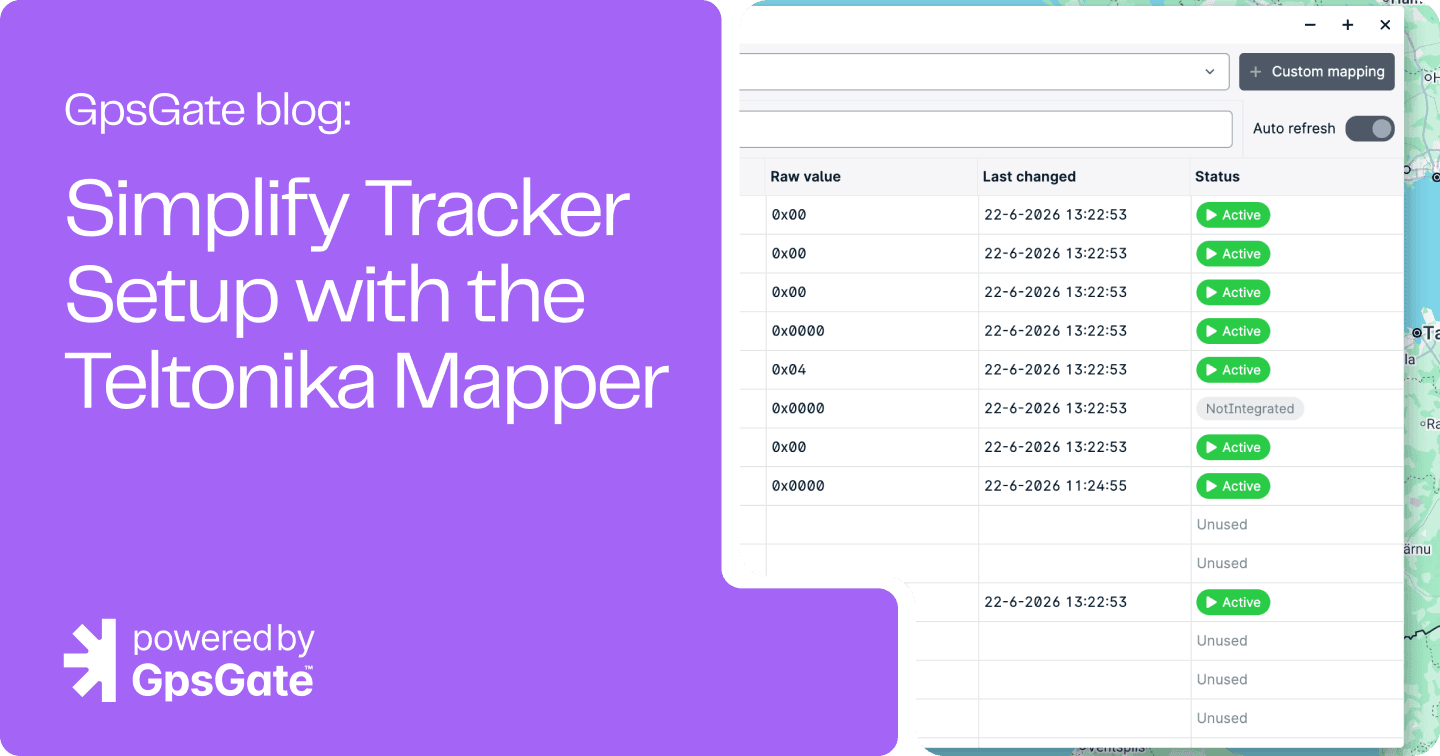
See the Teltonika Mapper in action
Watch this short walkthrough to see how the Teltonika Mapper helps you configure devices faster, validate incoming signals, and troubleshoot with confidence.
In this video, you'll learn how to:
- Open the Teltonika Mapper
- View active AVL IDs and incoming signals
- Map signals to GpsGate variables
- Troubleshoot new or custom Property IDs
- Validate mappings in real time
Why use the Teltonika Mapper?
The Teltonika Mapper isn't just about saving clicks—it's about making deployments faster and giving you confidence that your devices are configured correctly.
Whether you're deploying a single tracker or onboarding an entire fleet, it helps you:
- Reduce setup time by automatically displaying the signals your tracker is actively sending.
- Troubleshoot with confidence by viewing both human-readable values and the raw data received from the device.
- Minimize configuration errors by assigning GpsGate variables directly instead of manually cross-referencing AVL IDs.
- Test new signals quickly as new device firmware and functionality become available.
- Handle custom or newly introduced Property IDs without waiting for plugin updates.
For support engineers, system integrators, and technical teams, this means spending less time interpreting protocol documentation and more time validating real device behavior.
Already using Teltonika trackers? Put that data to work in GpsGate
Connect your trackers to a fleet management platform built to help you move from setup to insight
Test GpsGate free for 30 days and see how your Teltonika devices work with real-time tracking, alerts, reports, maintenance, and more.

Built for the GpsGate + Teltonika workflow
The Teltonika Mapper is more than a configuration tool—it's part of a streamlined workflow designed to help users get from installation to deployment faster.
Rather than treating tracker configuration as a separate technical exercise, the Mapper gives you direct visibility into the data your Teltonika device is reporting to GpsGate. You can immediately see active Property IDs, their latest values, mapping status, and make adjustments without leaving the platform.
It's especially useful when:
- Deploying new Teltonika trackers
- Testing new firmware or I/O configurations
- Troubleshooting customer devices
- Validating custom sensor integrations
- Confirming newly mapped variables are reporting correctly
With Auto Refresh enabled, you can even watch incoming values update in real time while testing a device.
When should you use the Teltonika Mapper?
The Teltonika Mapper is useful throughout the lifecycle of a tracker—not just during the initial installation.
Use it when you need to:
- Configure a new Teltonika tracker
- Verify that new I/O signals are being received correctly
- Test new firmware or sensor configurations
- Troubleshoot customer installations
- Map newly introduced Property IDs
- Validate incoming data before deploying to production
Whether you're a GpsGate administrator, a Teltonika partner, or a technical support engineer, the Teltonika Mapper helps you spend less time searching documentation and more time solving problems.
Ready to get started?
The video above covers the basics, but if you'd like detailed instructions for every feature—including custom mappings, Auto Refresh, and advanced configuration—our Support Center has a complete step-by-step guide.

- acceptCookies - We use this cookie to remember if you have closed this window or not.
- country - We use this cookie to serve you country-specific data.
- gg_sessionId - This cookie helps us debug sign-up issues and general errors.
You can read more about cookies and privacy here.